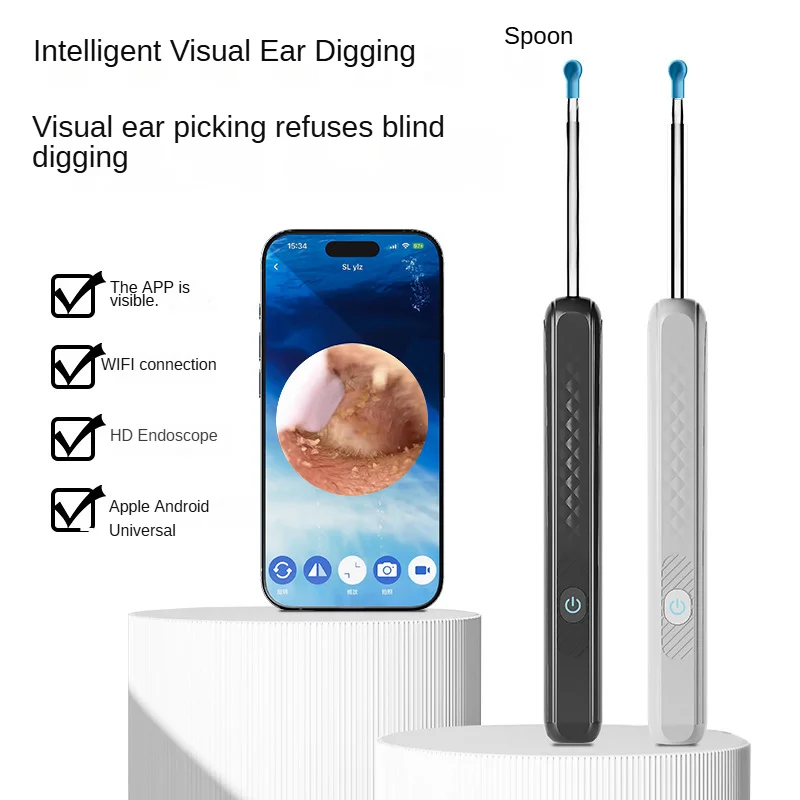
Wireless Smart Visual Ear Cleaner 800W Ear Stick Otoscope Ear Wax Removal Tool Ear pick Camera Ear Endoscope for iOS Android
White
$38.41
Skip to product information


Wireless Smart Visual Ear Cleaner 800W Ear Stick Otoscope Ear Wax Removal Tool Ear pick Camera Ear Endoscope for iOS Android
$38.41
Finally - A Safe Way
SPECIFICATIONS
Battery capacity: 130mAh
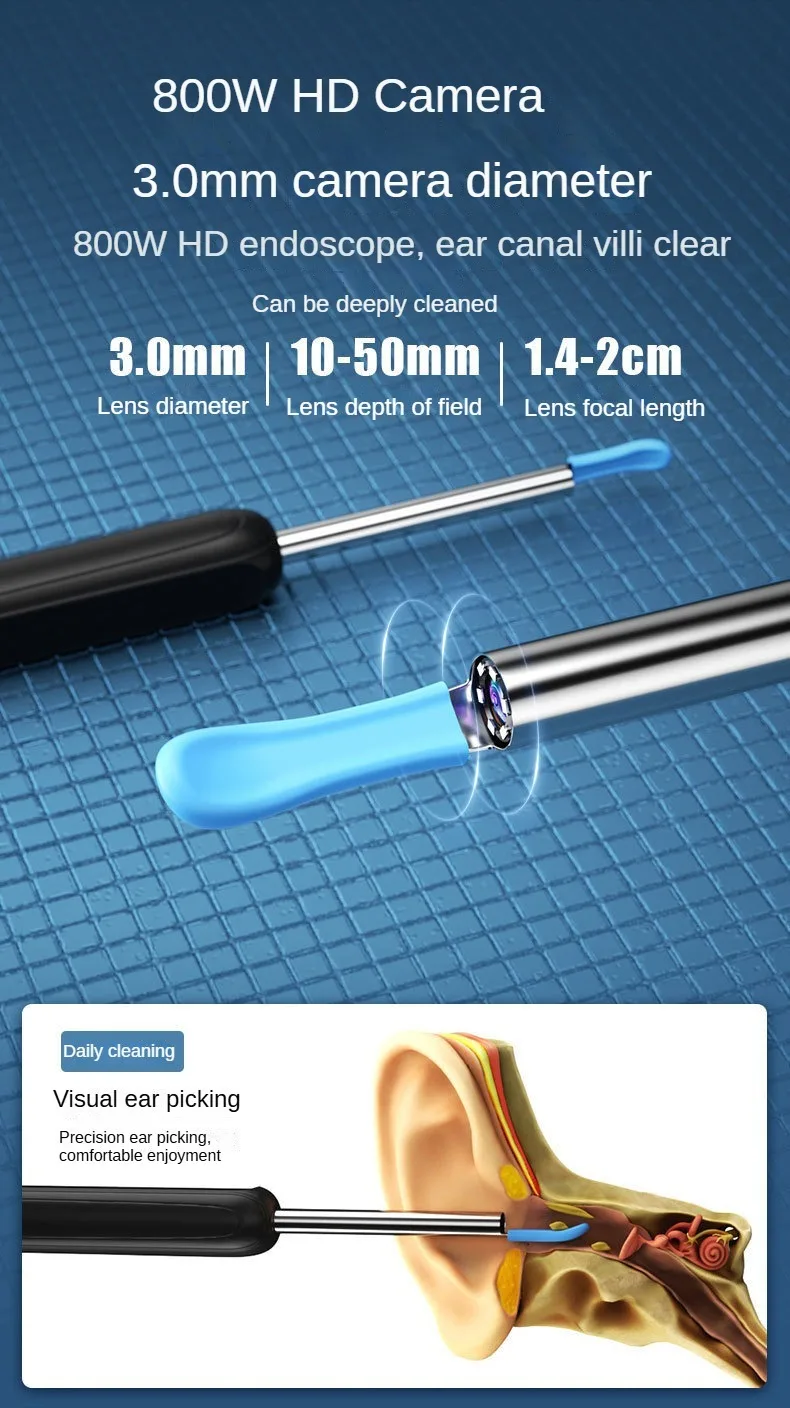
Best focal length: 1.4-2cm
Brand Name: OIMG
Certification: CE
Charging interface: Type C
Choice: yes
Feature 1: Replaceable silicone ear spoons
Feature 2: for IOS and Android
Feature 3: Intelligent visual endoscope
High-concerned chemical: None
Is Batteries Included: Yes
Item Type: ear care
Lens pixel: 800W
Lens size: 3.0mm
Material: Plastic
Number of LEDs: 6 LEDS
Origin: Mainland China
Product Name: Multi-functional visual ear picking stick
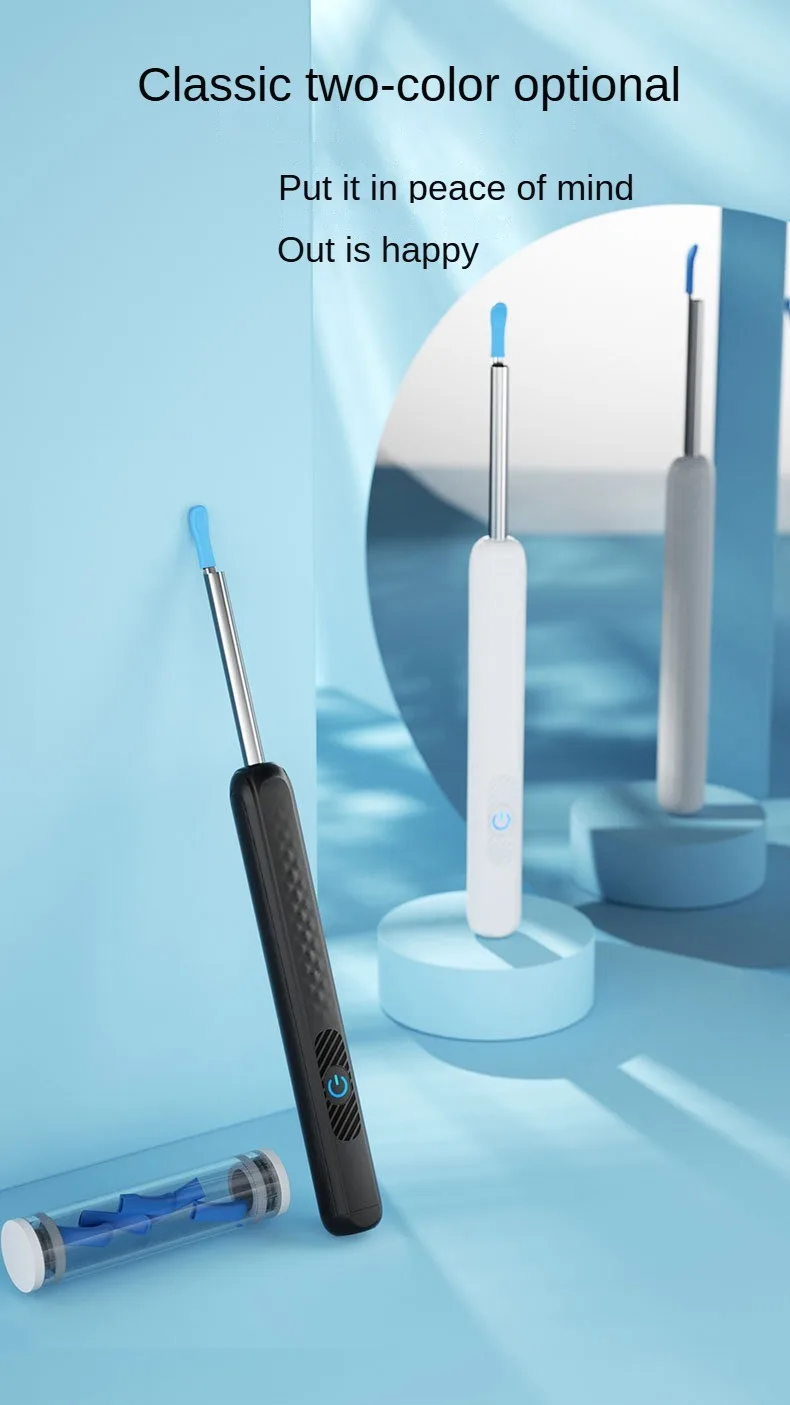
Product color: White/Black
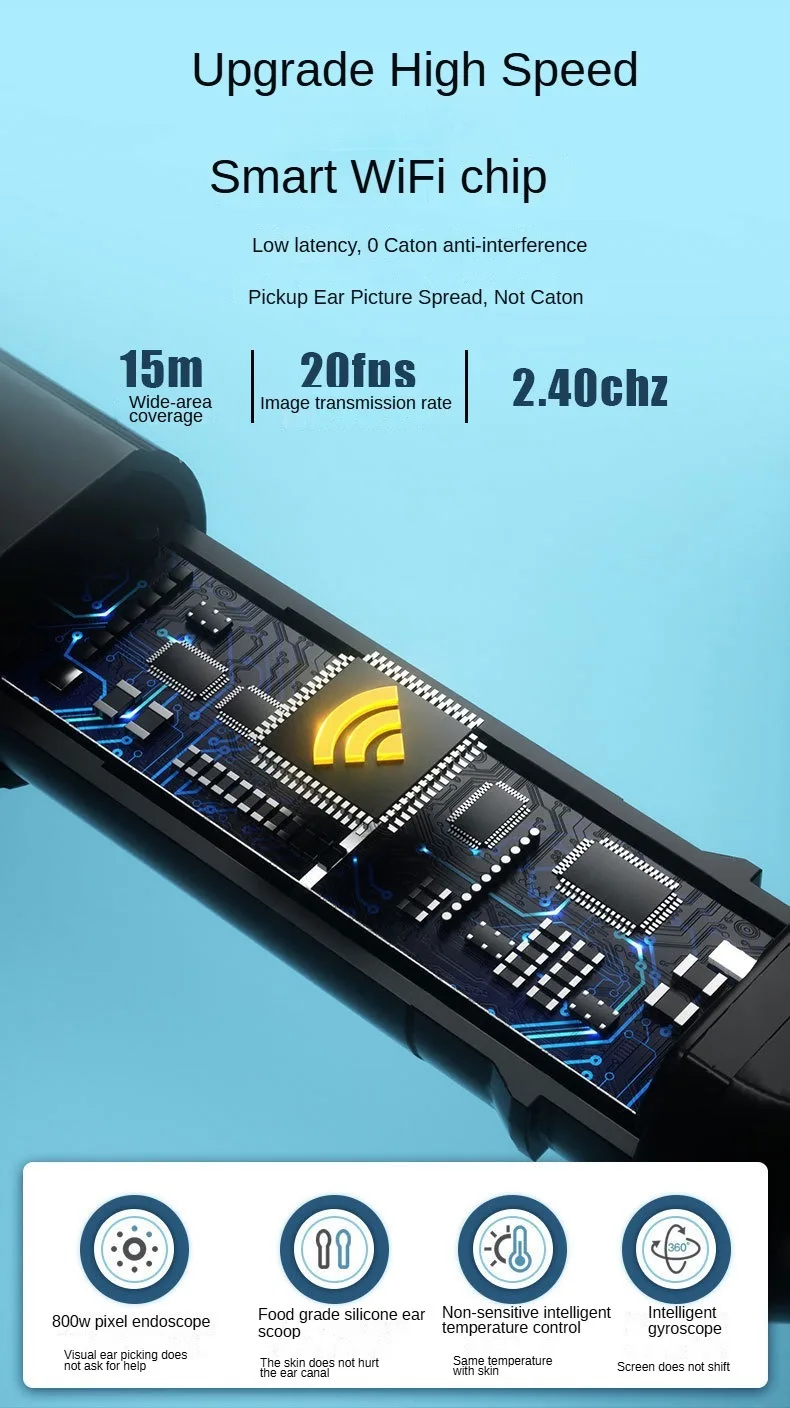
Working frequency: 2.4Ghz
semi_Choice: yes
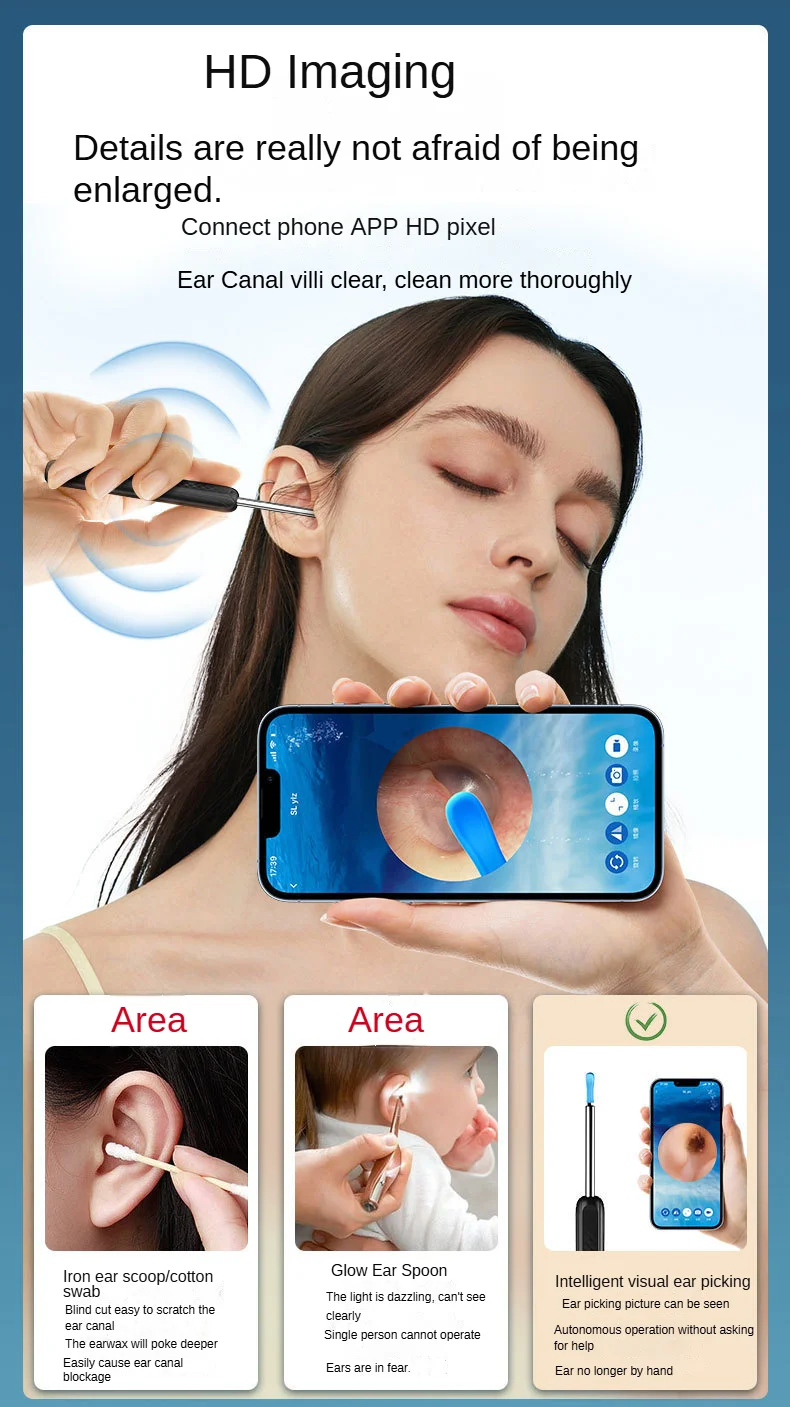
【360° Wide Angle &800W HD Image】
The professional ear cleaner has 360°wide-angle professional grade lens which allows you to see the real-time images of tiny details inside your ear canal 360°. The endoscope improves clarity while removing the wax residue. It also enhances the accuracy of eliminating every single buildup to make your ears wax-free!
【Easy to Use & Wide Compatibility 】
Scan QR code on manual ,Download and install the APP on your device, Press and hold the power button on top of device to turn on the ear cleaning rod and then connect WiFi(Name :HNDEC-xxxx) with your device .The APP works with all of Android smartphone / tablet and IOS iPhone / iPad.
【Wide Range of Application】
The product allow you not only check ear canal and clean earwax, help your family member do ear exam, but also check ear for your dog cat. It is also suitable for skin, nose and teeth examination and more.It's your good home helper.
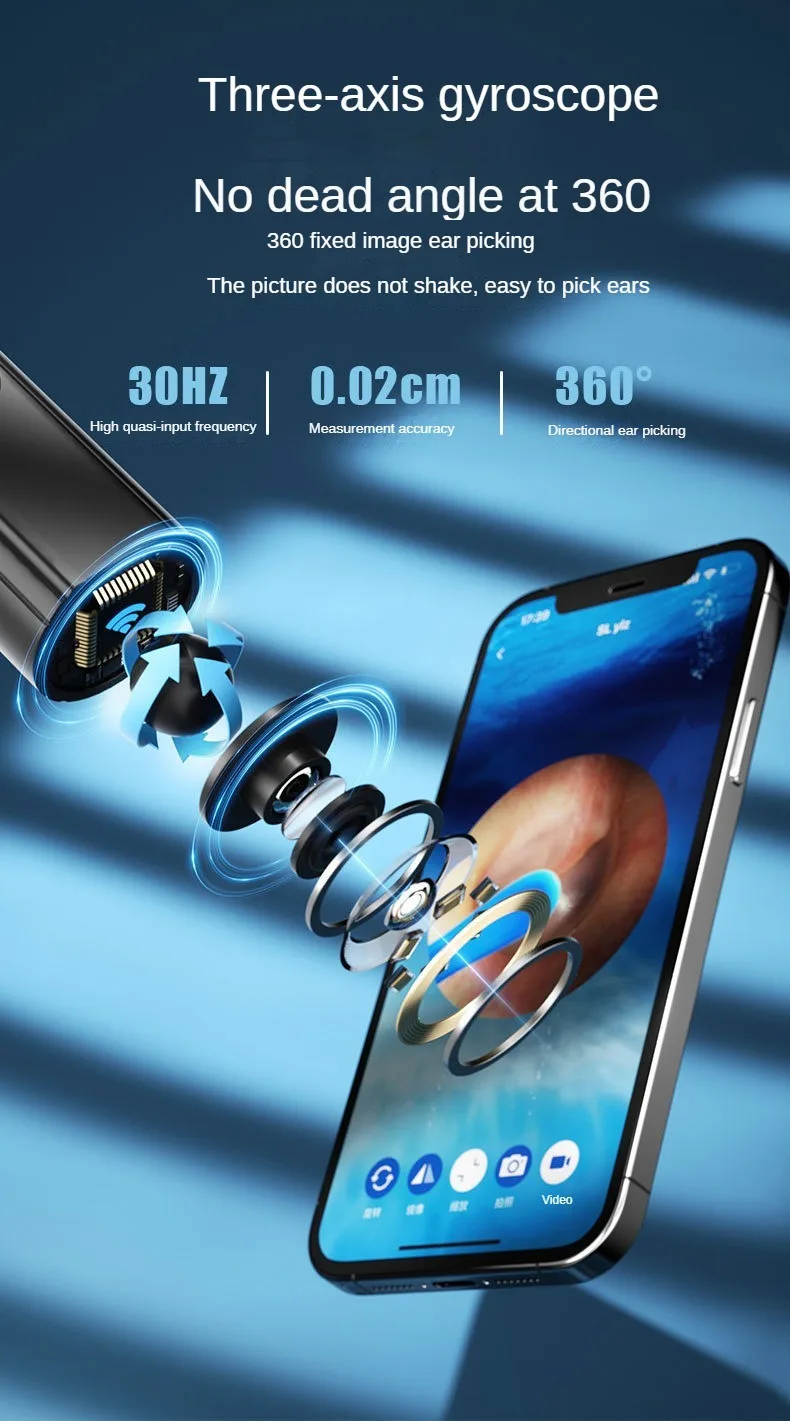
Three-axis intelligent gyroscope
No matter how the ear scoop lens is rotated , the imaging angle is not biasedss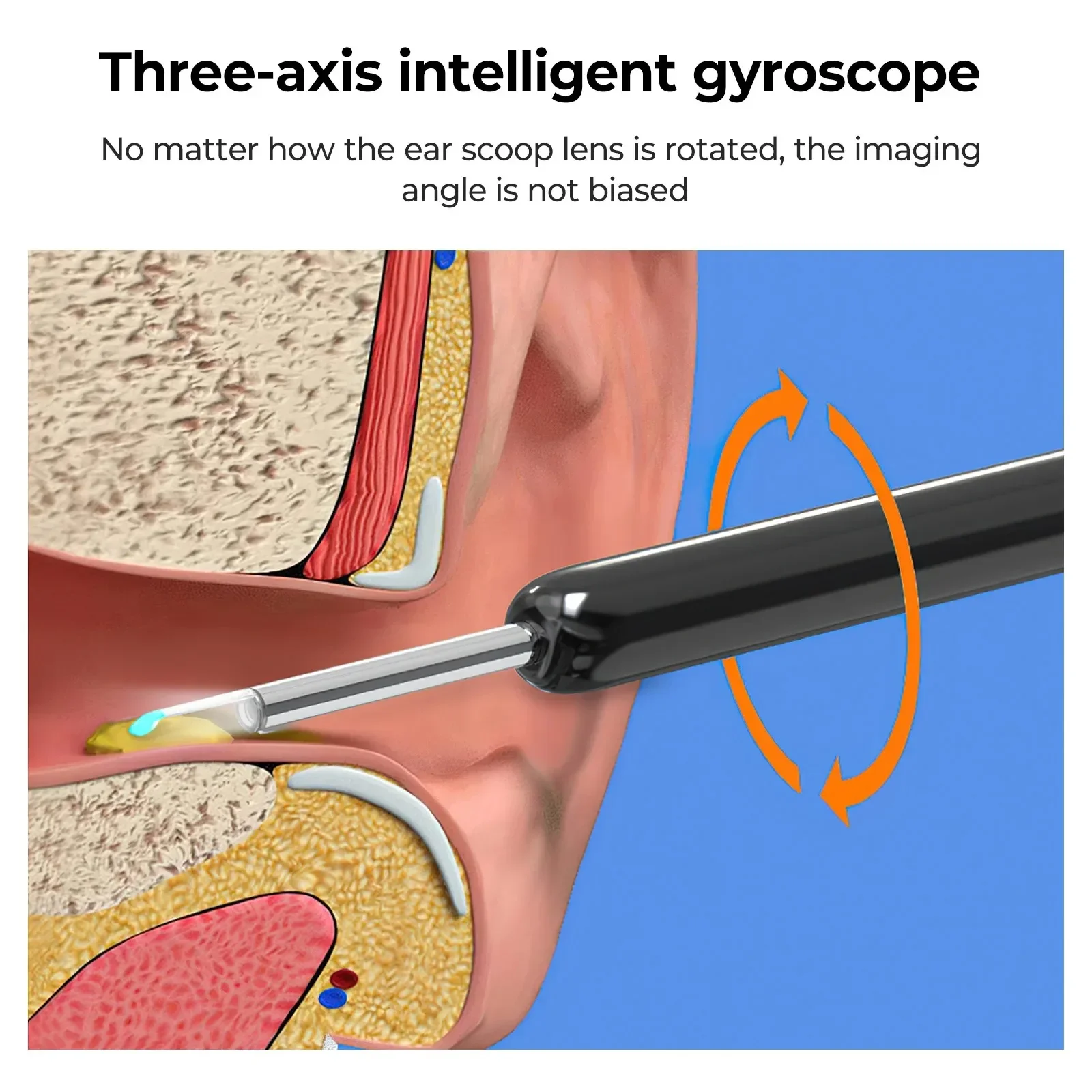
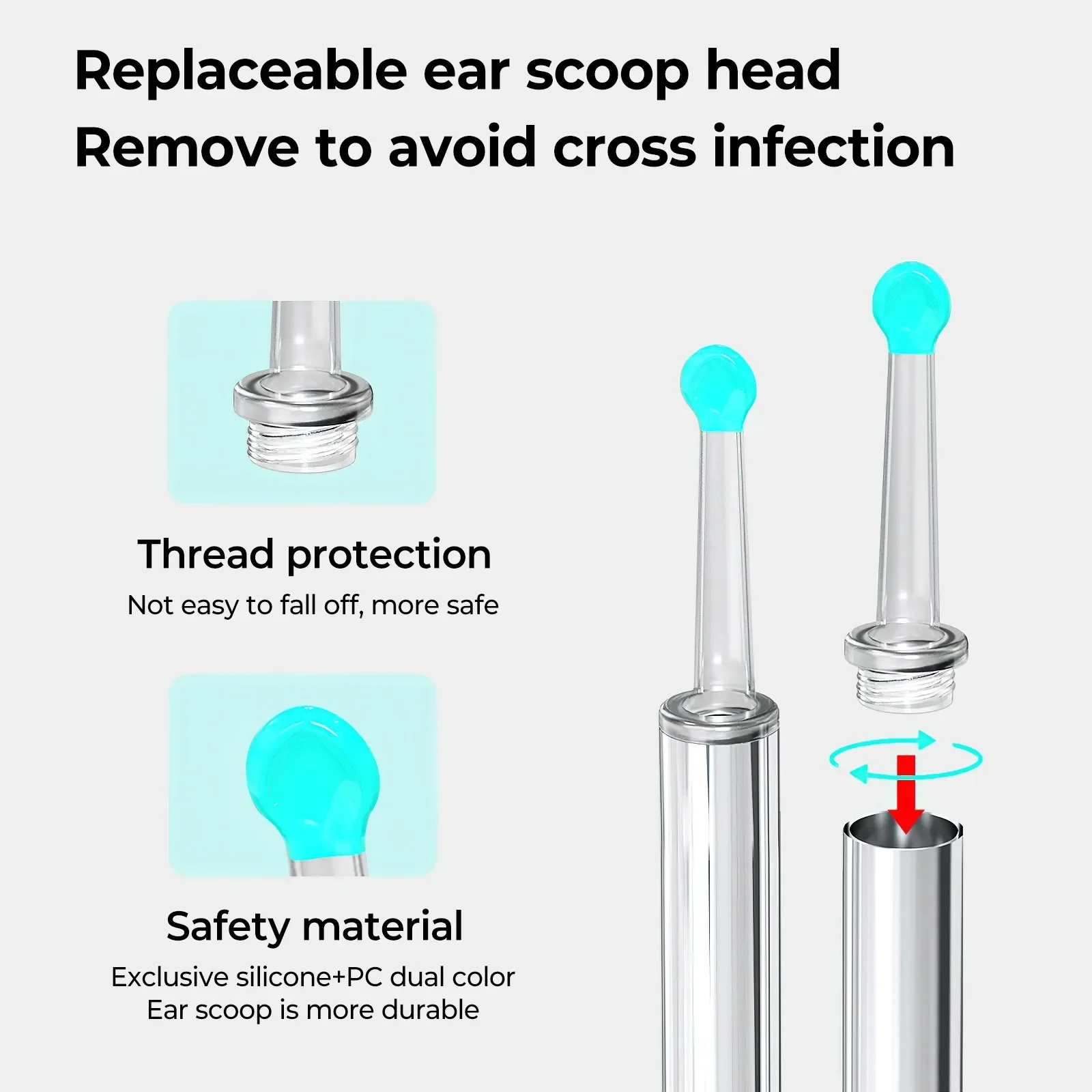
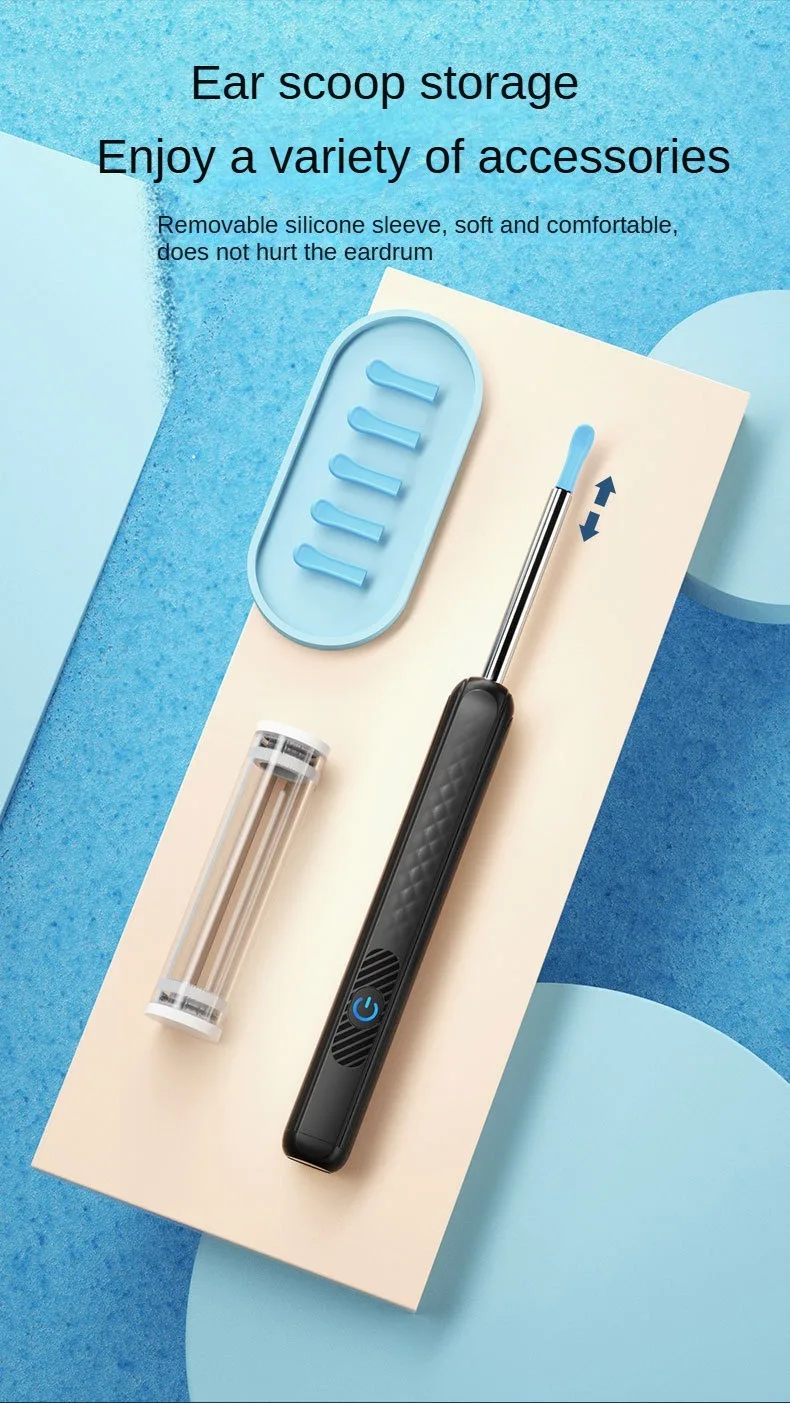
Replaceable ear scoop head Remove to avoid cross infection
Thread protection,Not easy to fall off , more safe
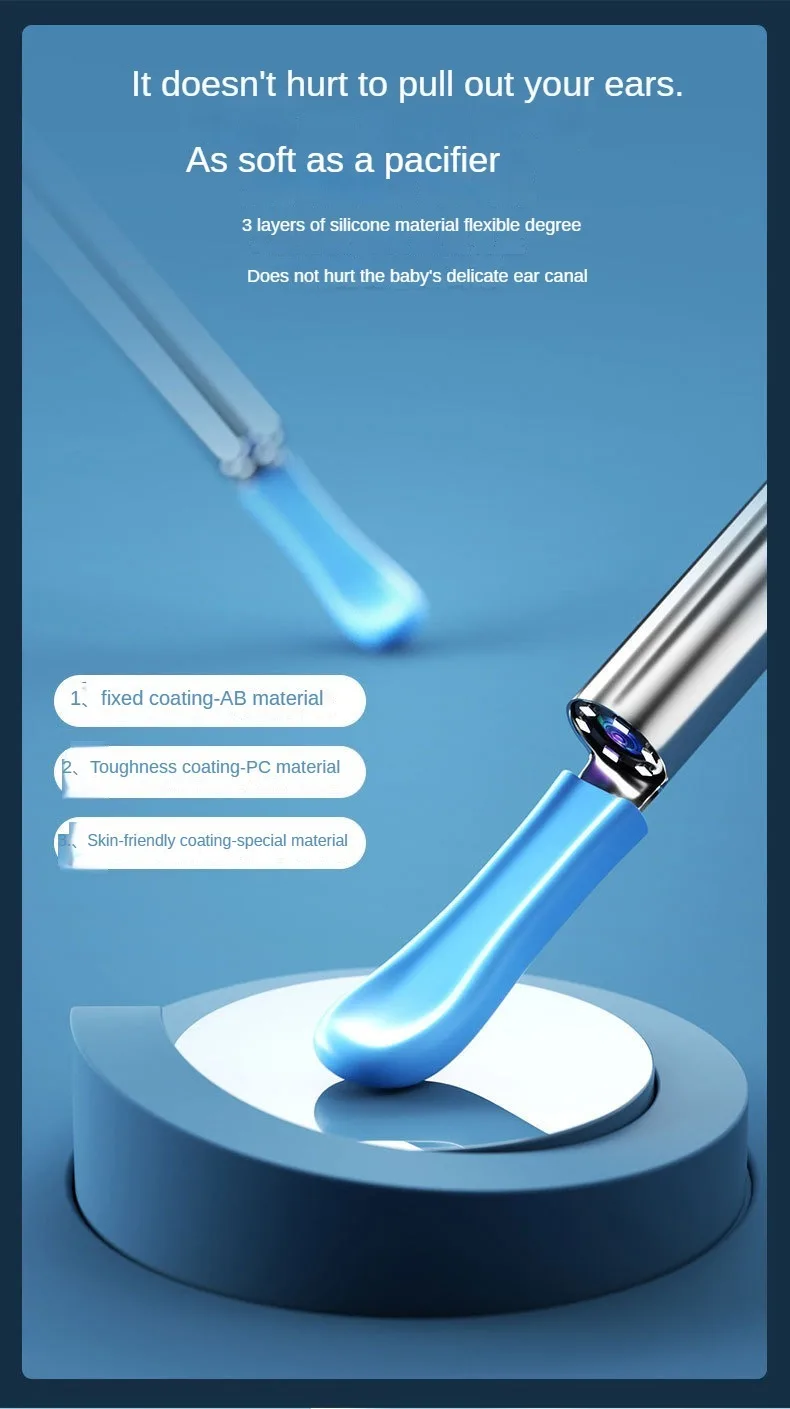
Safety material,Exclusive silicone + PC dual color,Ear scoop is more durable
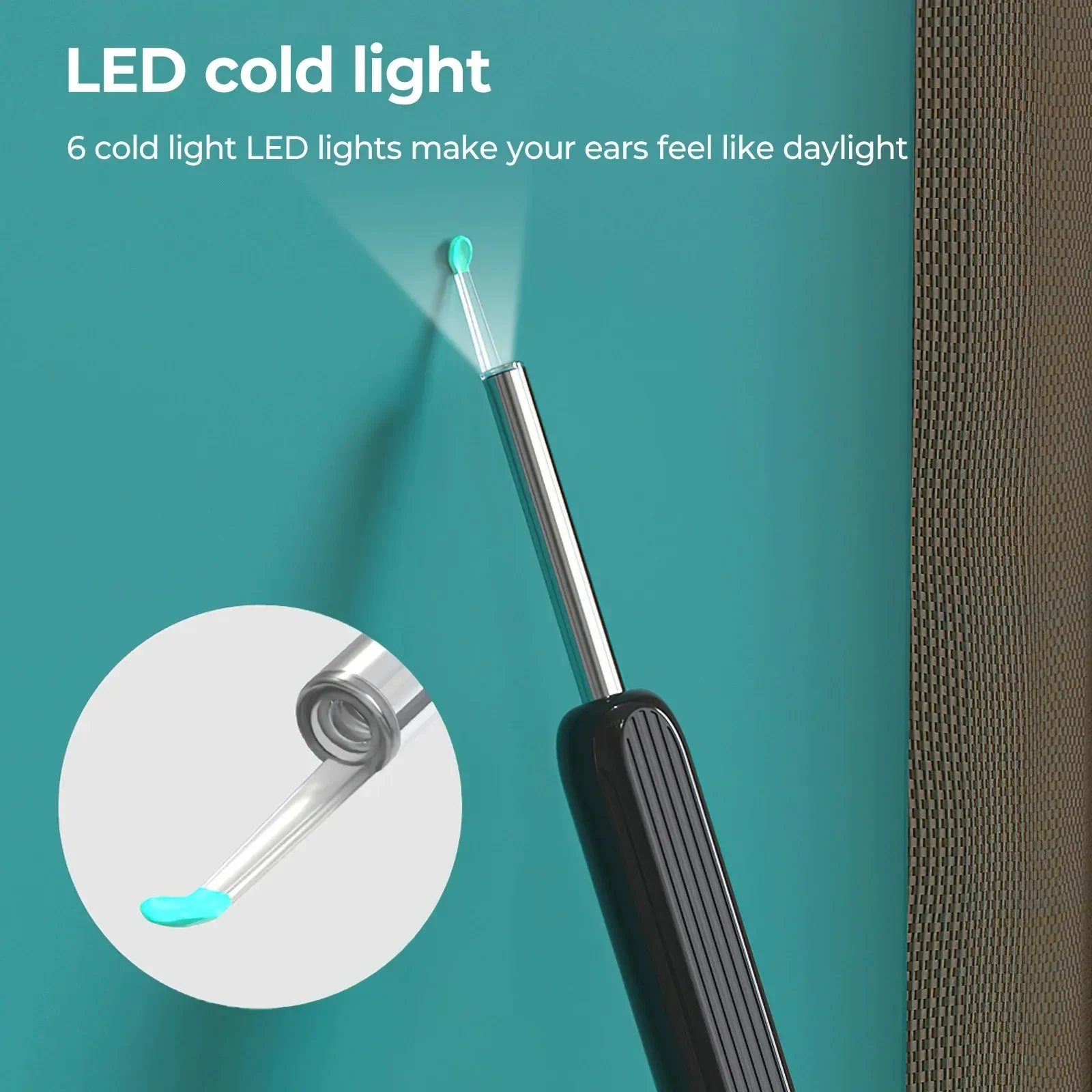
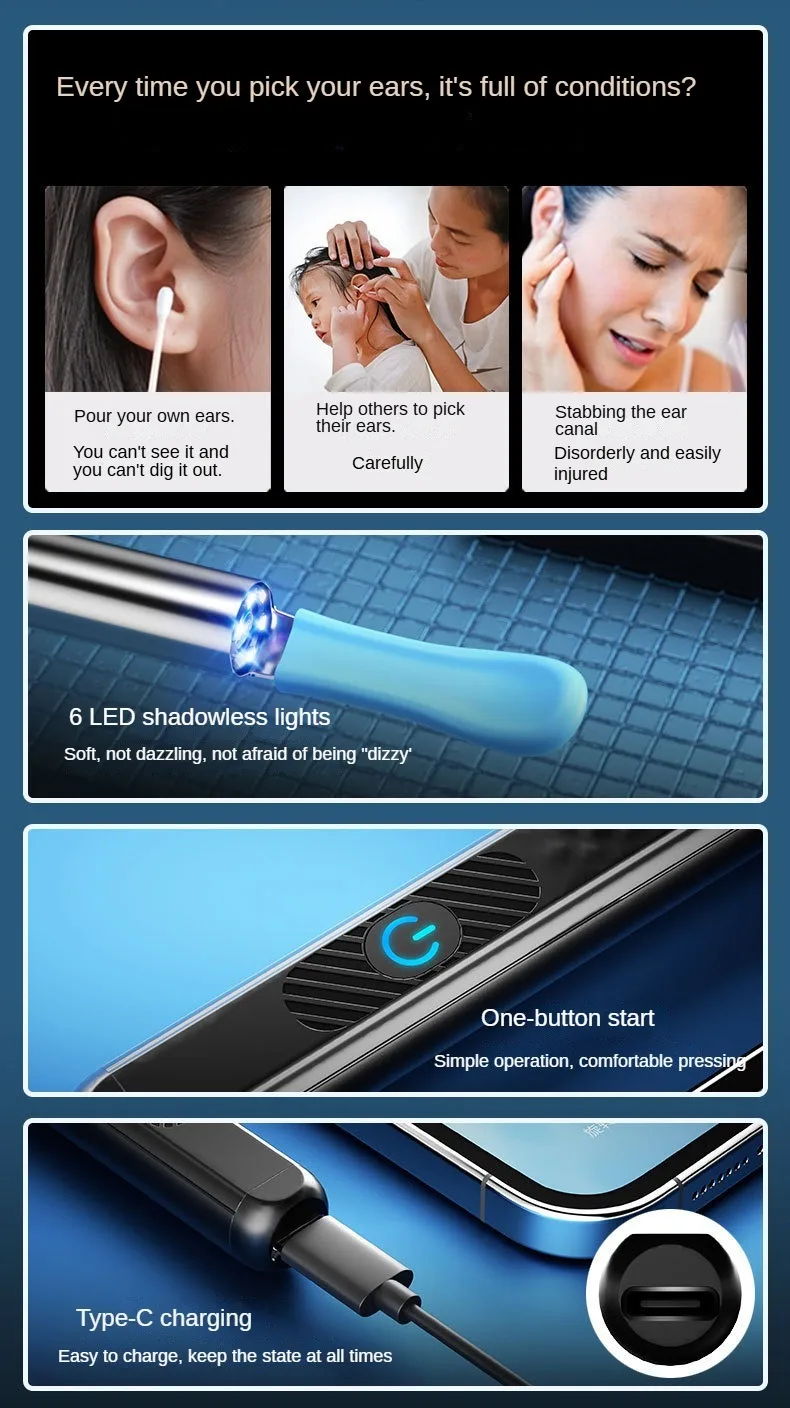
LED cold light
6 cold light LED lights make your ears feel like daylight
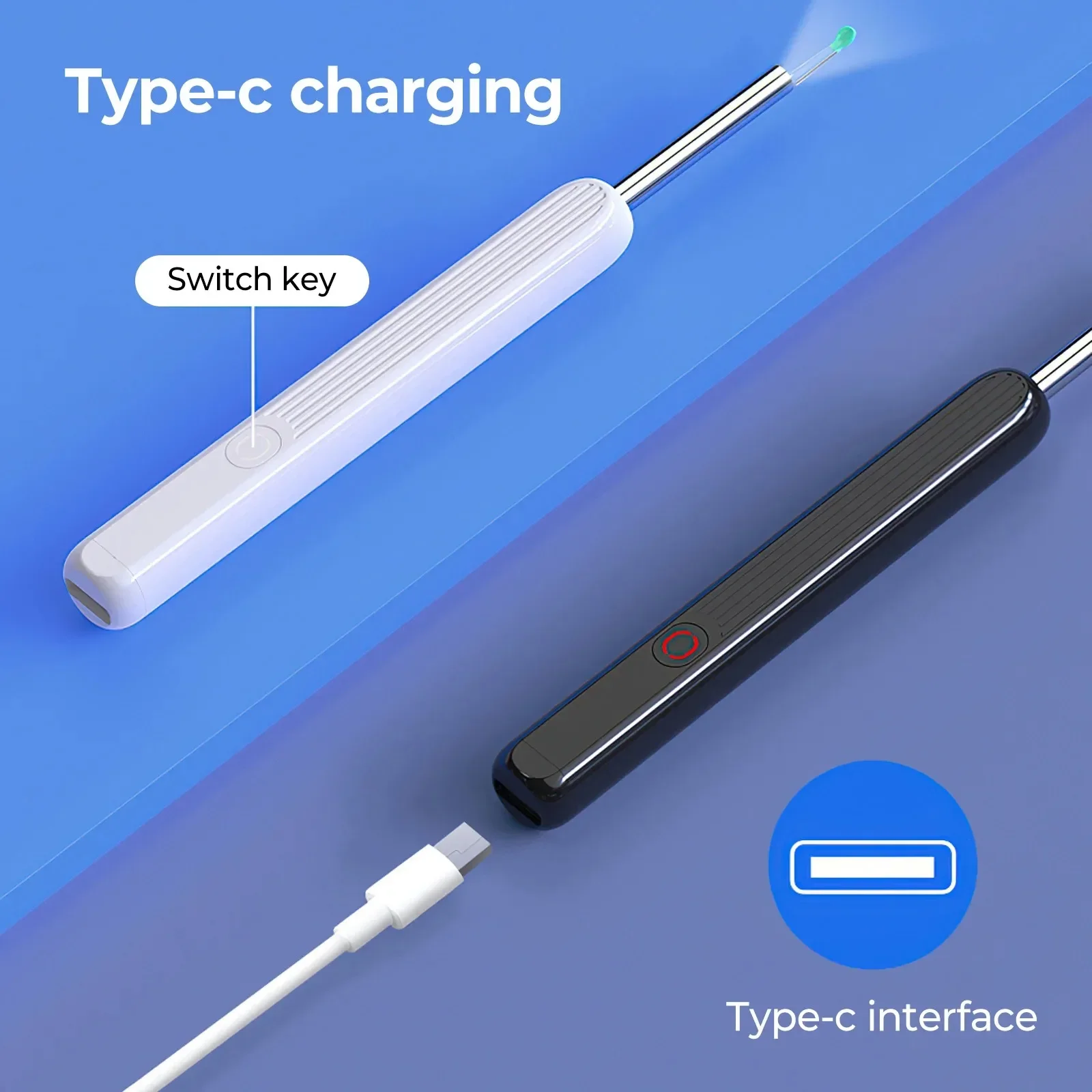
Type-c charging
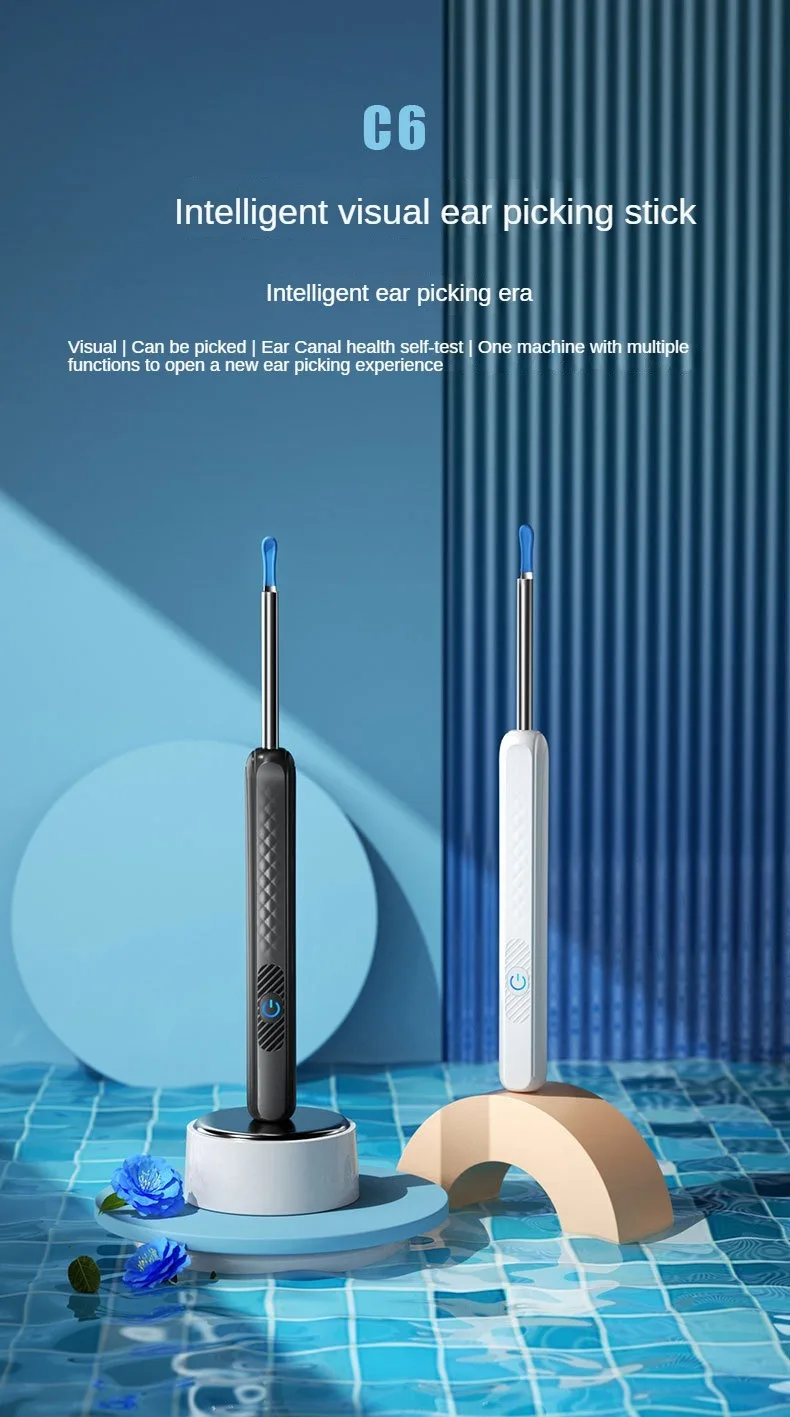
All age visual ear picking , feel free
See the inside of the ear and clean it accurately
Tips : No use under 3 years old
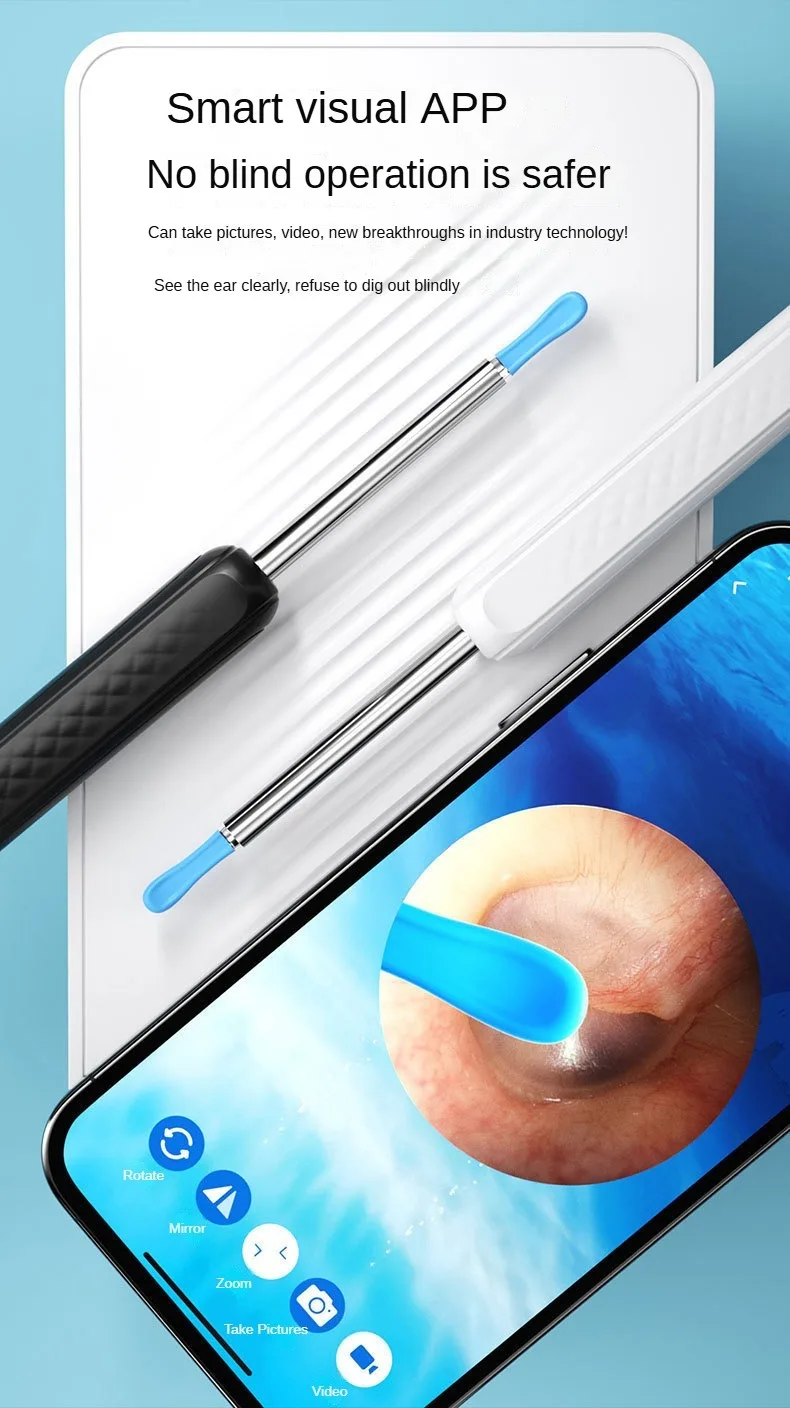
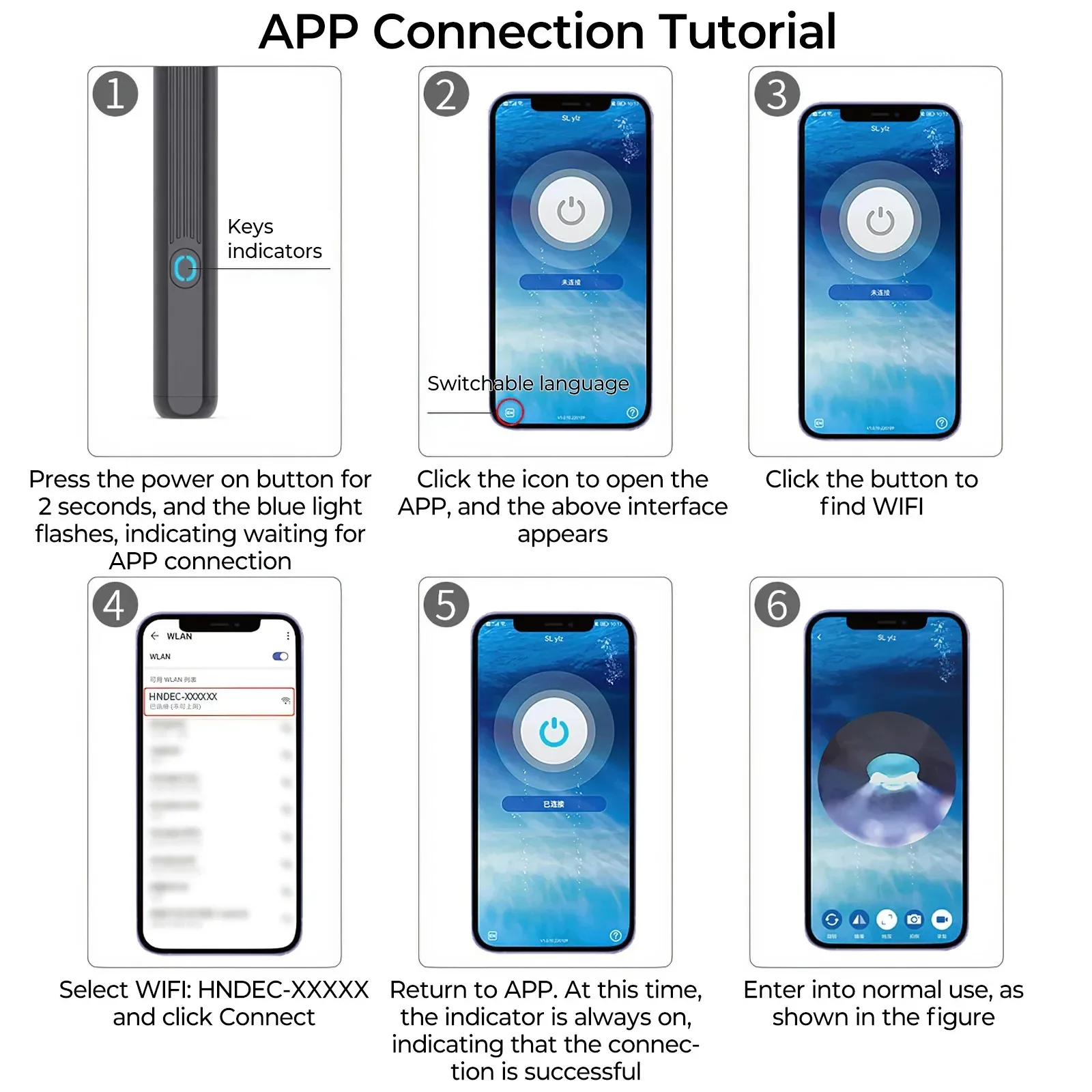
APP Connection Tutorial:
1.Press the power on button for 2 seconds , and the blue light flashes , indicating waiting for APP connection.
2.Click the icon to open the APP , and The interface shown in Figure 2 appears.
3.Click the button to find WiFi.
4.Select WIFI : HNDEC-XXXXX and click Connect.
5.Return to APP. At this time.the indicator is always on,indicating that the connection is successful.
6.Enter into normal use,as shown in the figure .